
What Scrivener Does
A complete writing studio.
Every tool a long-form writer needs, in one project file. No tab-switching, no scattered notes, no lost drafts.
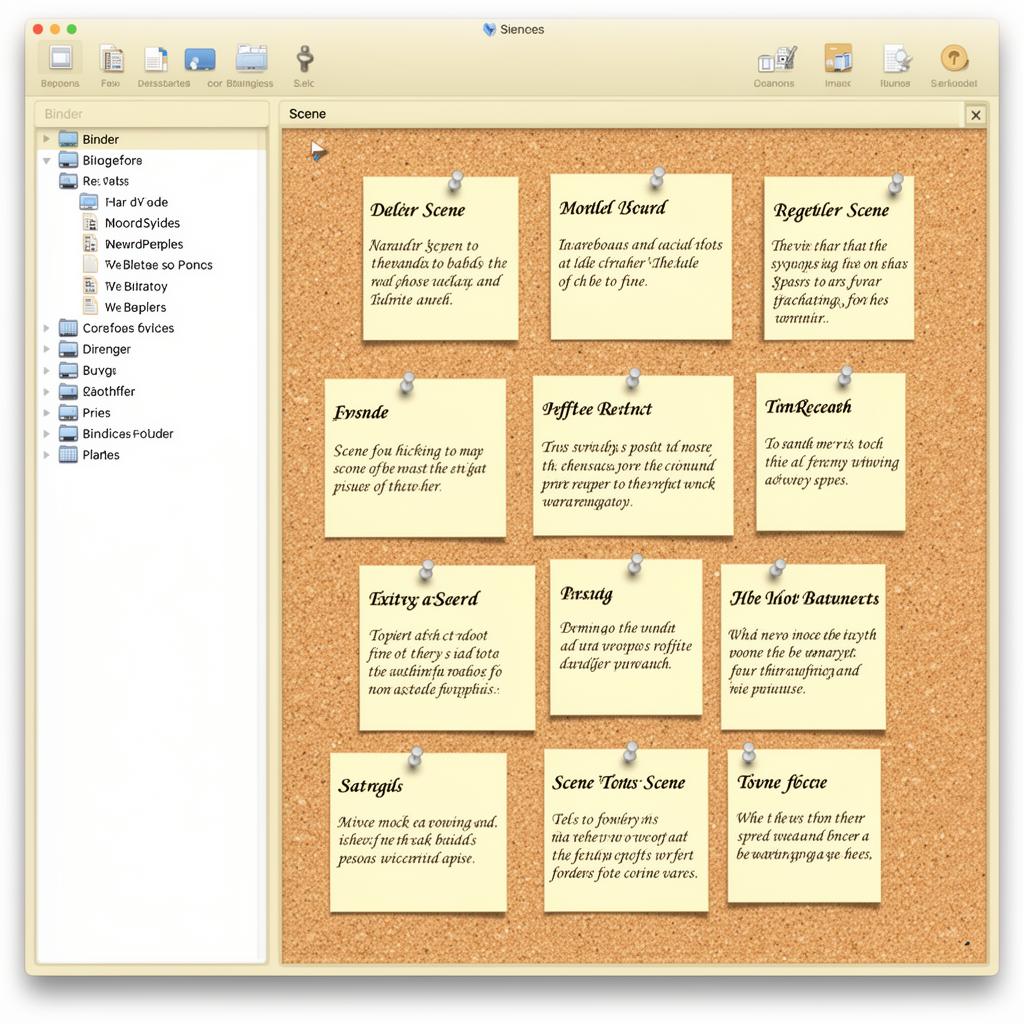
Plan & Outline
- The Binder
- A single sidebar for every chapter, scene, character sheet, and research note. Drag to reorder; nothing is ever buried in a folder you can't find.
- Corkboard & Index Cards
- Plan visually with synopsis cards. Shuffle scenes until the structure clicks.
- Outliner View
- See word counts, status, and labels for every document in a sortable table.
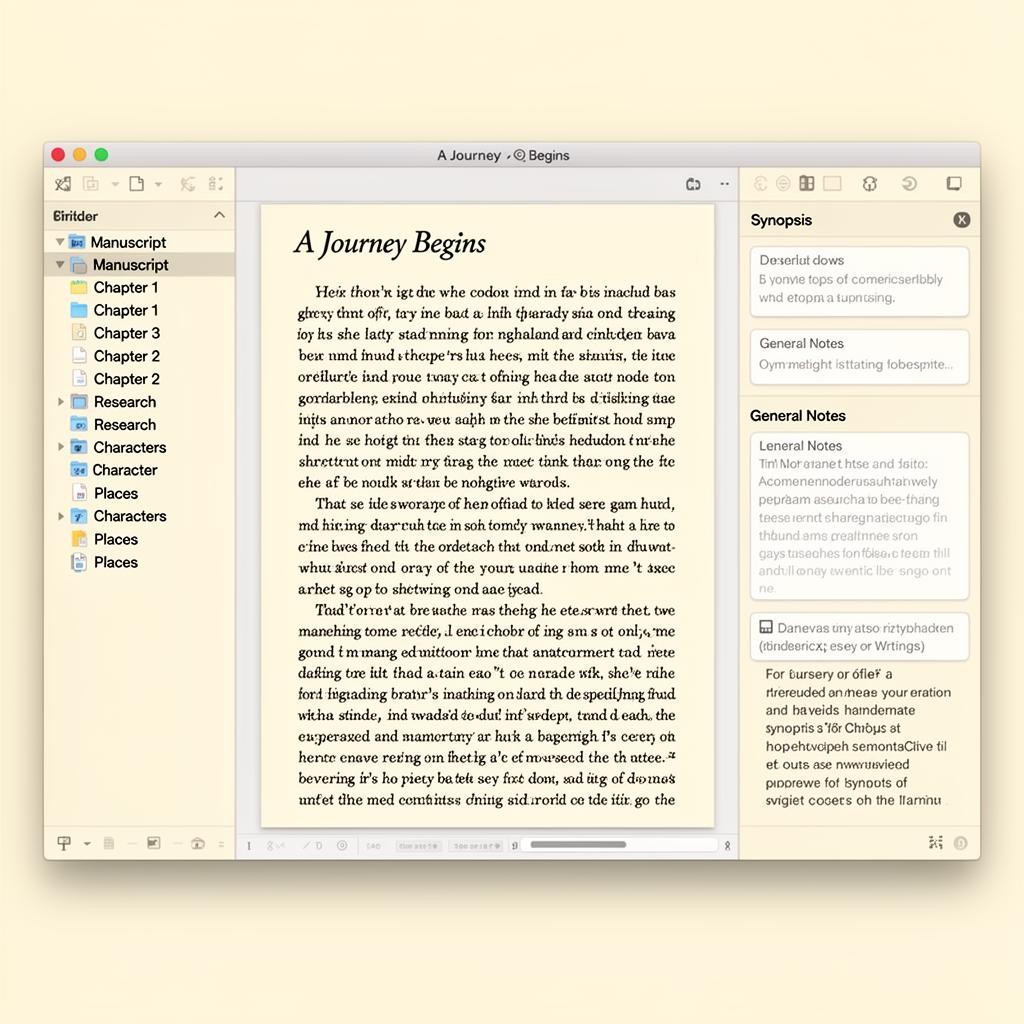
Write & Research
- Distraction-Free Composition
- A full-screen typewriter mode that hides everything but the words.
- Split Editor
- Read a research note and write your scene side by side.
- Research Library
- Store PDFs, web pages, audio, video, and images inside the same project.
And the details that matter
Templates
Novel, non-fiction, screenplay, thesis, and short story starters.
Project Search
Find any line across hundreds of documents in milliseconds.
Revision Mode
Color-coded edits so every pass is visible.
Compile
One project, every output: DOCX, ePub, Kindle, PDF, Final Draft.
Snapshots
Save versions of any document; roll back with one click.
Collections
Group documents flexibly without changing your structure.
Custom Metadata
Tag scenes by POV, location, status — whatever you need.
MultiMarkdown & LaTeX
For academics and technical writers who need precise output.